 Photo Retouch


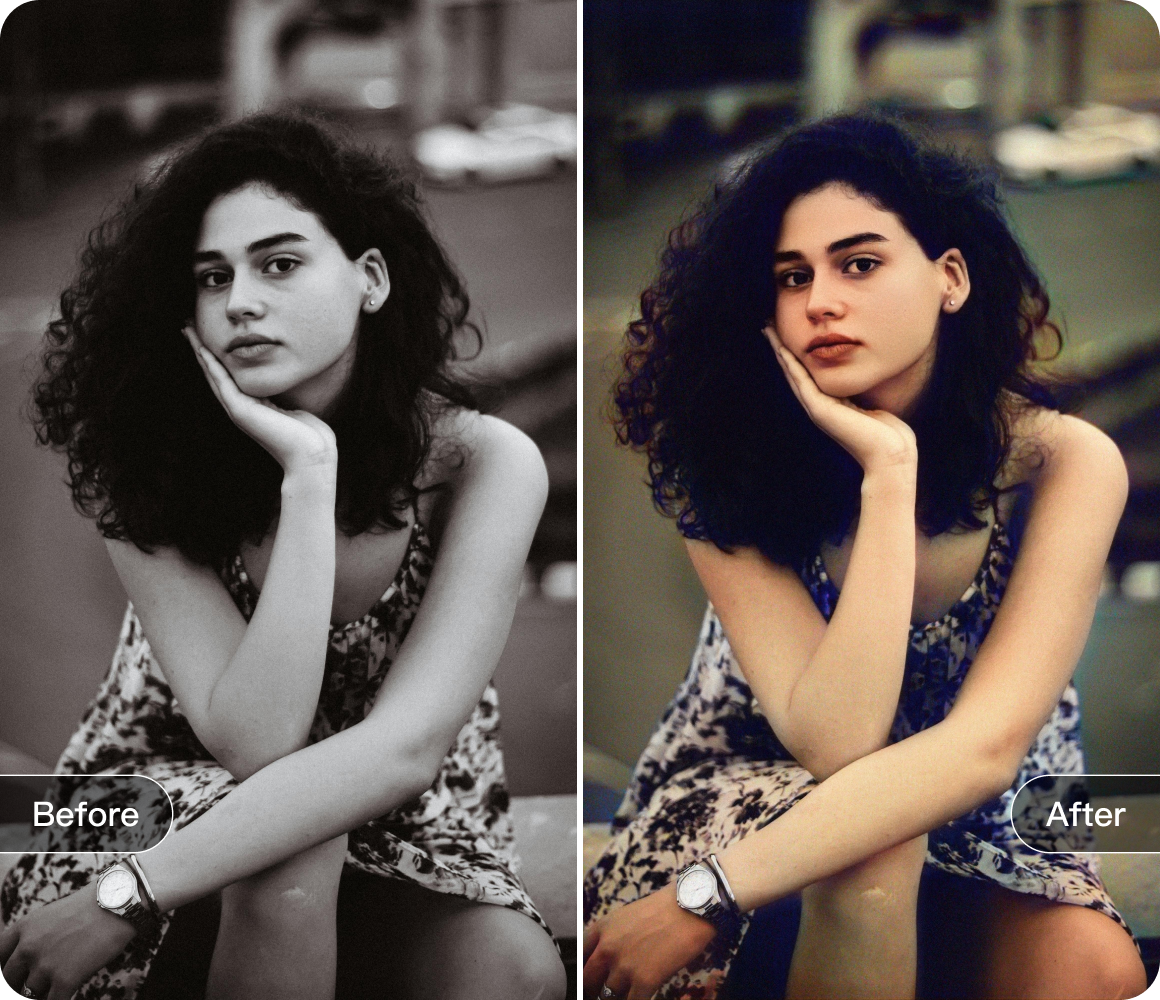


The Magic Eraser Tool in Photo Retouch: A Savior for Your Photos
Have you ever taken a photo that could have been perfect, but was ruined by some unwanted objects? Maybe it's a passerby in the background of a beautiful landscape shot, or a messy item on the table in a food photo. Don't worry! The eraser tool in Photo Retouch is here to solve all these problems.
The eraser tool in Photo Retouch is incredibly easy to use. Once you open the app and load your photo, simply select the eraser tool. You can adjust the size of the brush according to the size of the object you want to remove. If it's a small object, choose a small brush for precise operation; for larger ones, a bigger brush will do the job faster. Then, gently brush over the unwanted elements, and they'll disappear in an instant.

This tool has a wide range of practical applications. For travel enthusiasts, it can remove other tourists from your pictures of famous landmarks, allowing you to capture the beauty of the scenery without any distractions. Food bloggers can use it to clean up the background of their food photos, making the dishes look even more appetizing. And for those who love taking portrait photos, the eraser tool can get rid of any disturbing elements in the background, making the person the absolute focus of the picture.
Moreover, the eraser tool doesn't just remove objects crudely. It uses advanced algorithms to analyze the surrounding area and fill in the gaps seamlessly. The result? A photo that looks completely natural, as if those unwanted objects were never there in the first place.

In short, the eraser tool in Photo Retouch is a must - have for anyone who wants to take better - looking photos. Try it out and transform your ordinary pictures into masterpieces!
Download


 Windows
 macOS
macOS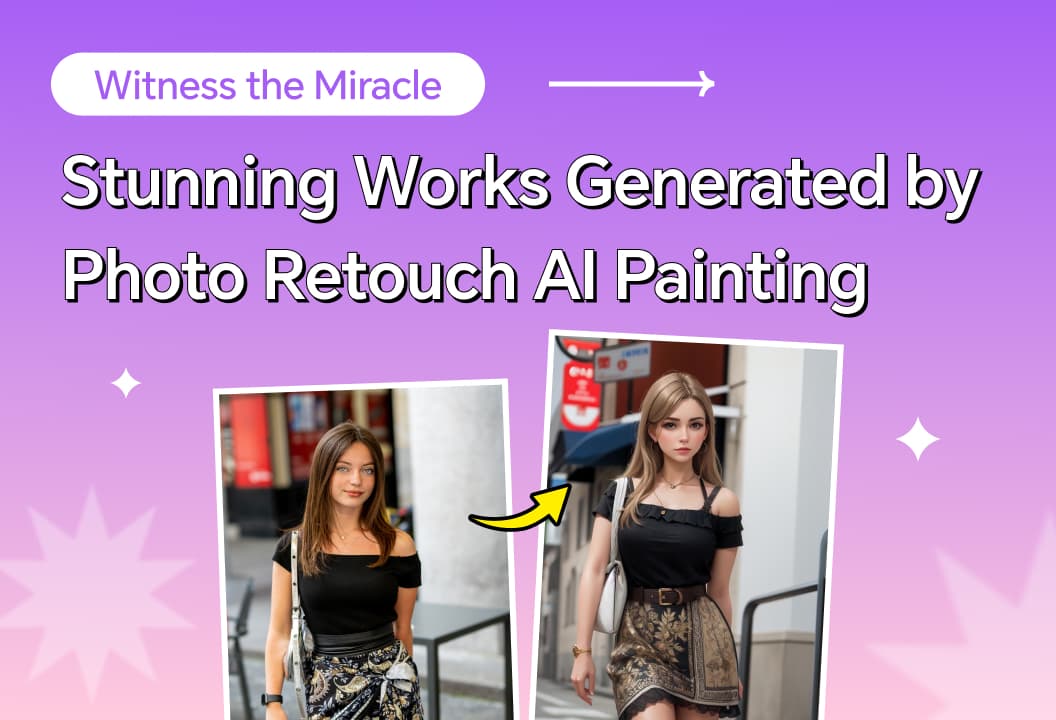
This article introduces the functions of AI painting. Just input text or pictures, and you can easily generate comic-like pictures!

AI expansion feature bring? It brings a new level of flexibility and creativity to your photo editing.
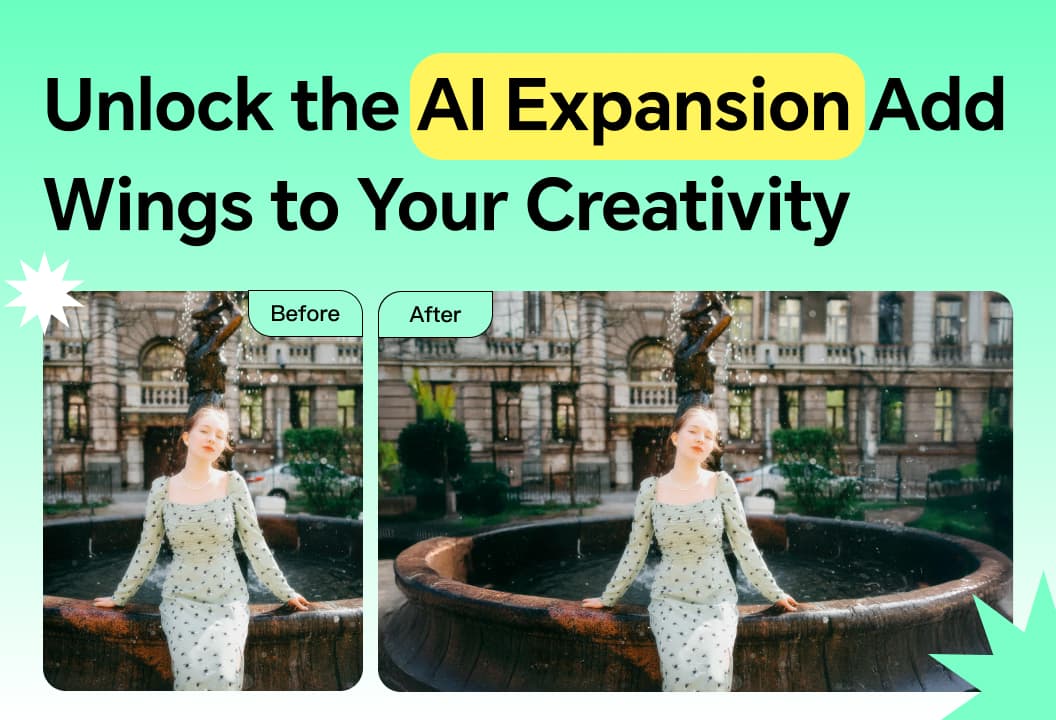
AI expansion highlights subjects, adds depth, and enhances color , transforming photos into stunning art.
Explore AI painting techniques and usage scenarios for creative, business, and educational purposes.
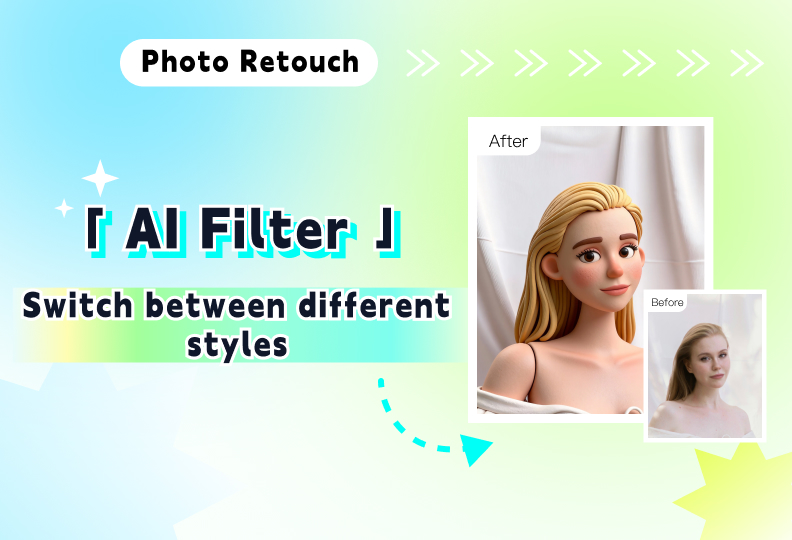
Unlock diverse artistic styles with a single click, instantly transforming everyday photos into artistic masterpieces.