 Photo Retouch


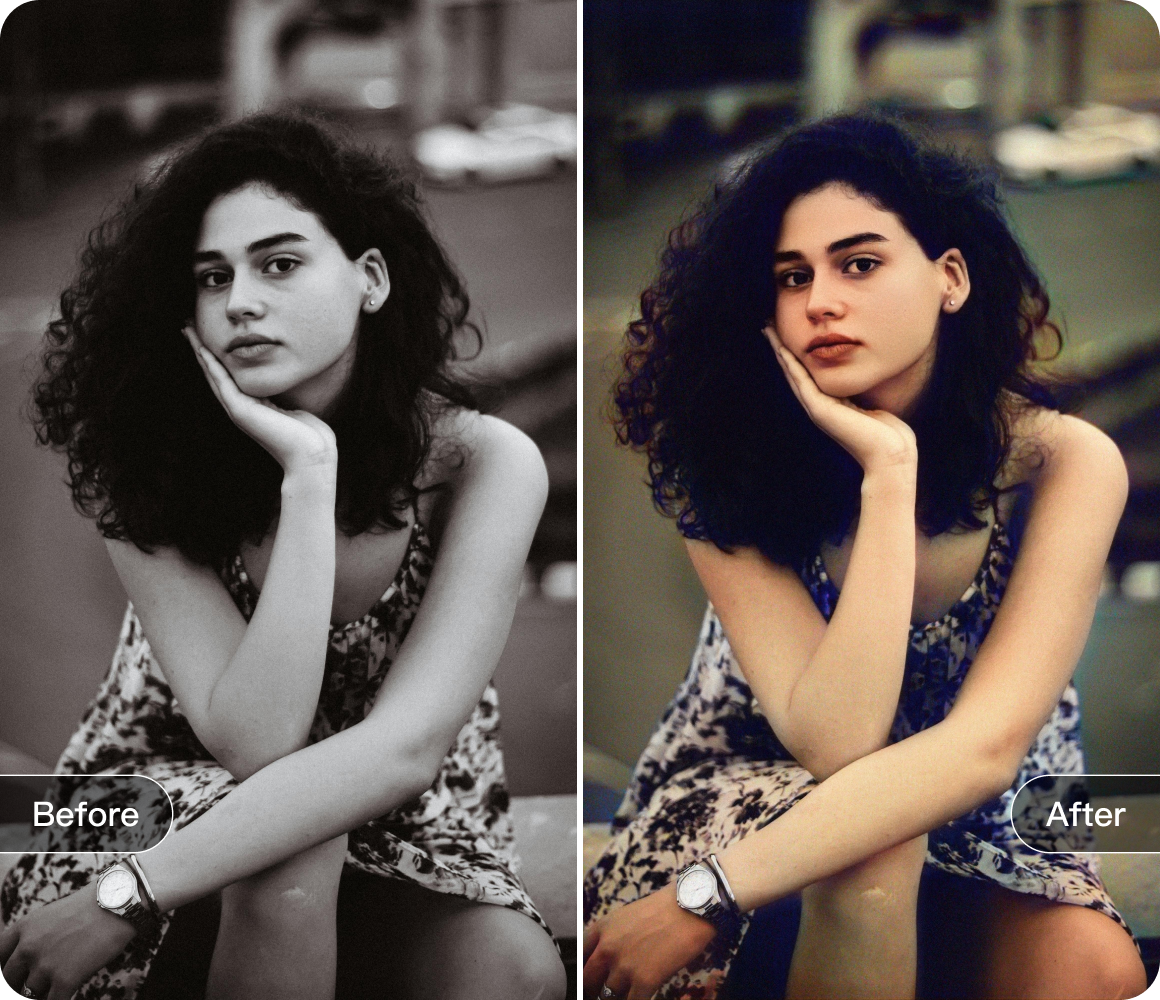


Master These Clone Function Tips to Easily Solve Image Editing Challenges
In the fascinating world of image editing, the software’s clone function is truly a "copying master." Today, I’ll share a few practical tips to help you easily master this feature and tackle various image editing challenges.
Let’s start with Copy and Clone. This is perfect when you need to duplicate an element in an image, like a vibrant flower in a bouquet, to add richness to the scene. Simply select the area you want to copy, choose the destination, and voilà! However, when pasting, make sure it blends seamlessly with the lighting and colors of the original image. You can adjust the opacity to make sure the duplicated flower doesn’t look out of place.

The Mirror Clone function is also a fun feature. If you want to create symmetry in a photo, such as mirroring a building or creating a balanced look for a portrait, this tool works wonders. For example, in a landscape photo, select one side of the mountains and use the mirror function to create a reflection, giving the scene a perfect symmetrical feel—just like seeing it in real life. When using this feature, pay attention to the angle and position of the mirror to ensure it seamlessly connects with the original image.
The Clone Stamp and Pattern Stamp are highly effective for repairing image flaws. If there’s an unsightly stain in your photo, use the Clone Stamp to select a clean area near the stain, and then paint over the stain. The texture and color from the sample area will cover it up. The Pattern Stamp works similarly but focuses more on duplicating the texture of the original image, making it ideal for fixing areas with specific textures. When using these tools, adjust the brush size and hardness based on the size and shape of the flaw for the best repair results.

By mastering these clone function techniques, whether you’re restoring old photos, creating artwork, or enhancing everyday pictures, you’ll be able to tackle any challenge with ease, taking your image editing skills to the next level.
Download


 Windows
 macOS
macOS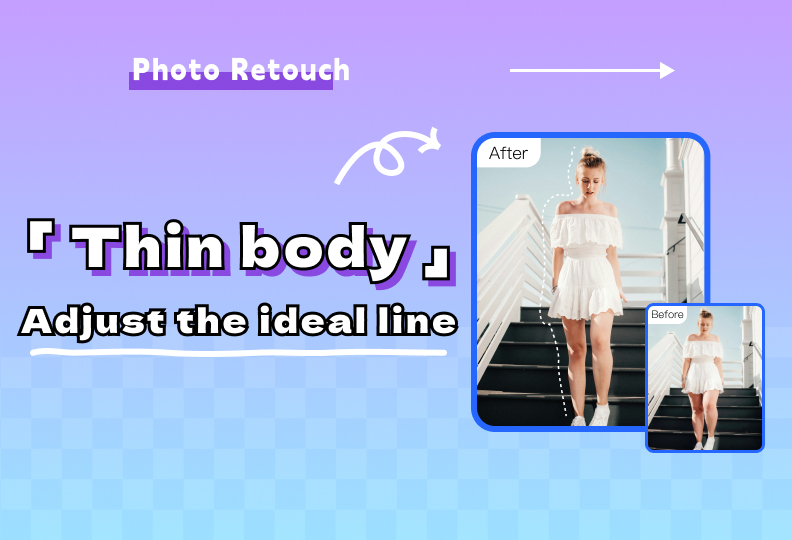
Natural and Undistorted, Easily Achieve Your Ideal Lines
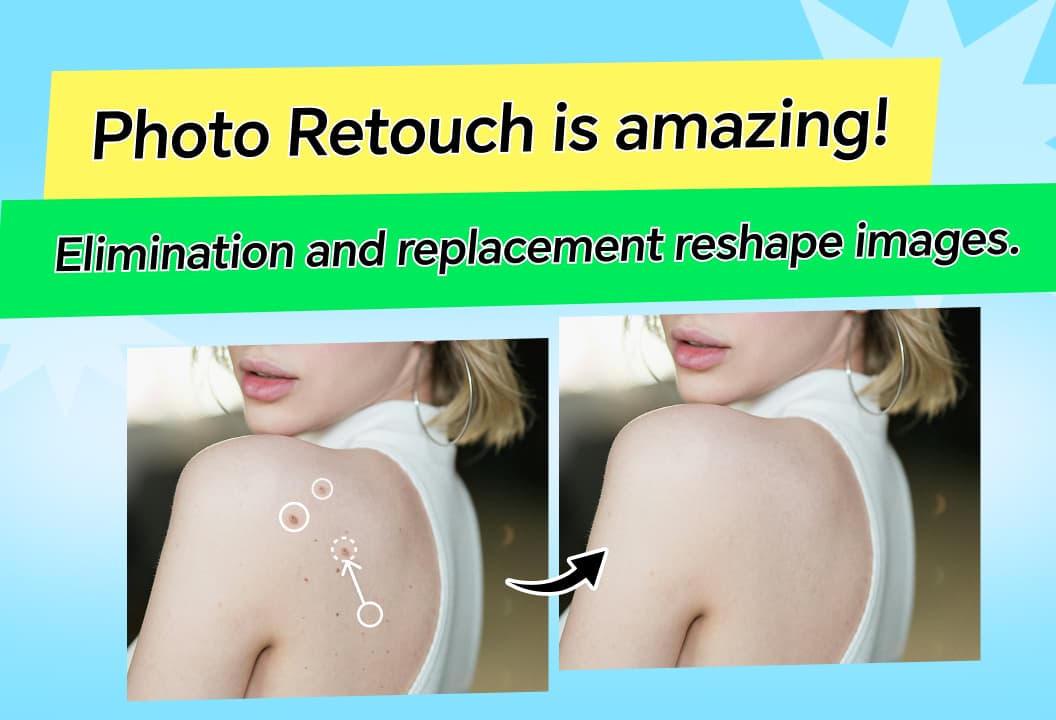
Photo Retouch allows easy removal of unwanted objects, seamlessly filling the space for enhanced, professional-looking photos.
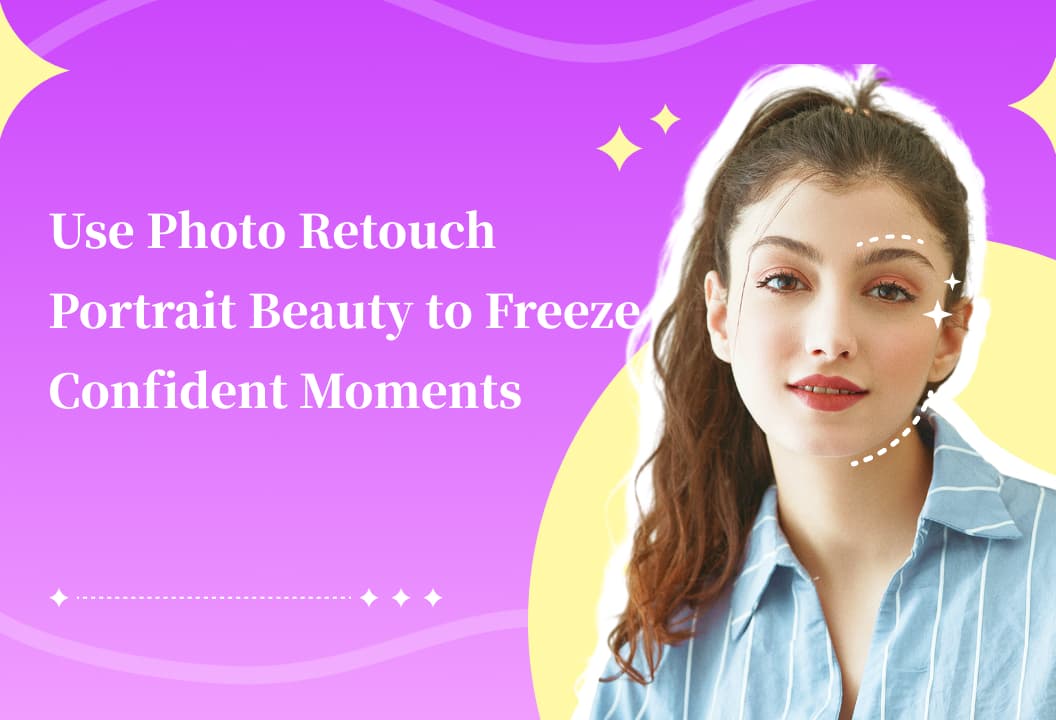
Portrait Beauty enhances your appearance with slimming, body shaping, makeup, and skin enhancement tools.

Hairstyles and Hair Colors lets you experiment with a variety of hairstyles and colors, helping you easily imagine new looks.
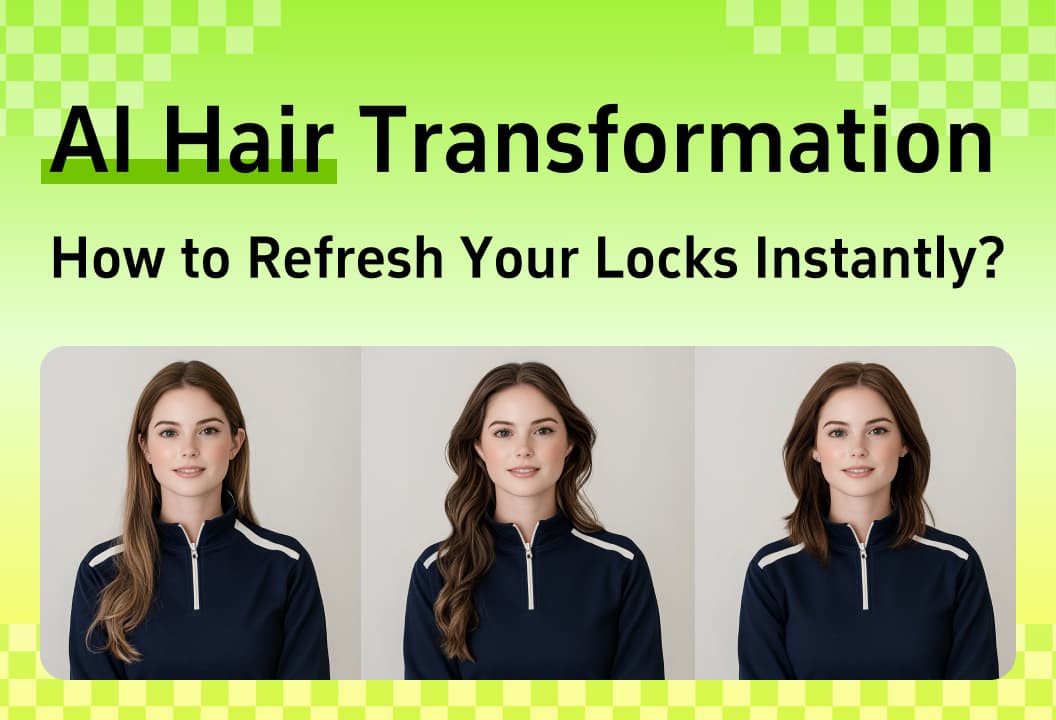
AI Hair Transformation feature lets you experiment with different hairstyles and customize your look effortlessly.
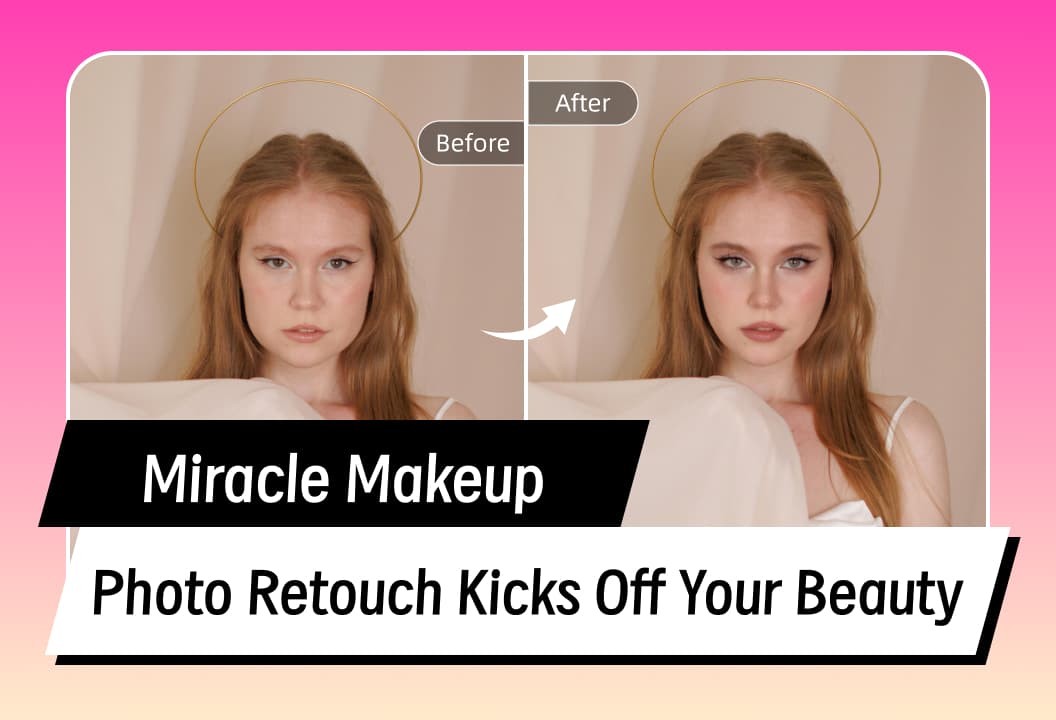
makeup features let you experiment with different looks, from lipstick to contour, for a flawless digital makeover.
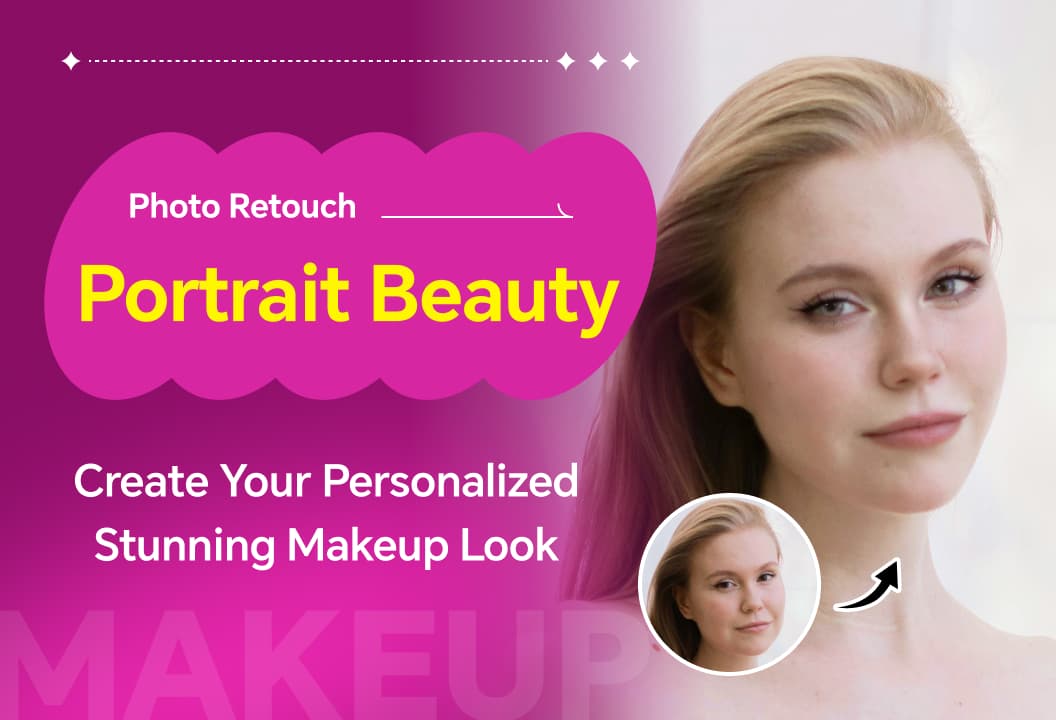
Photo Retouch beauty features, from lipstick to contouring, allow you to customize your perfect makeup look.