 Photo Retouch


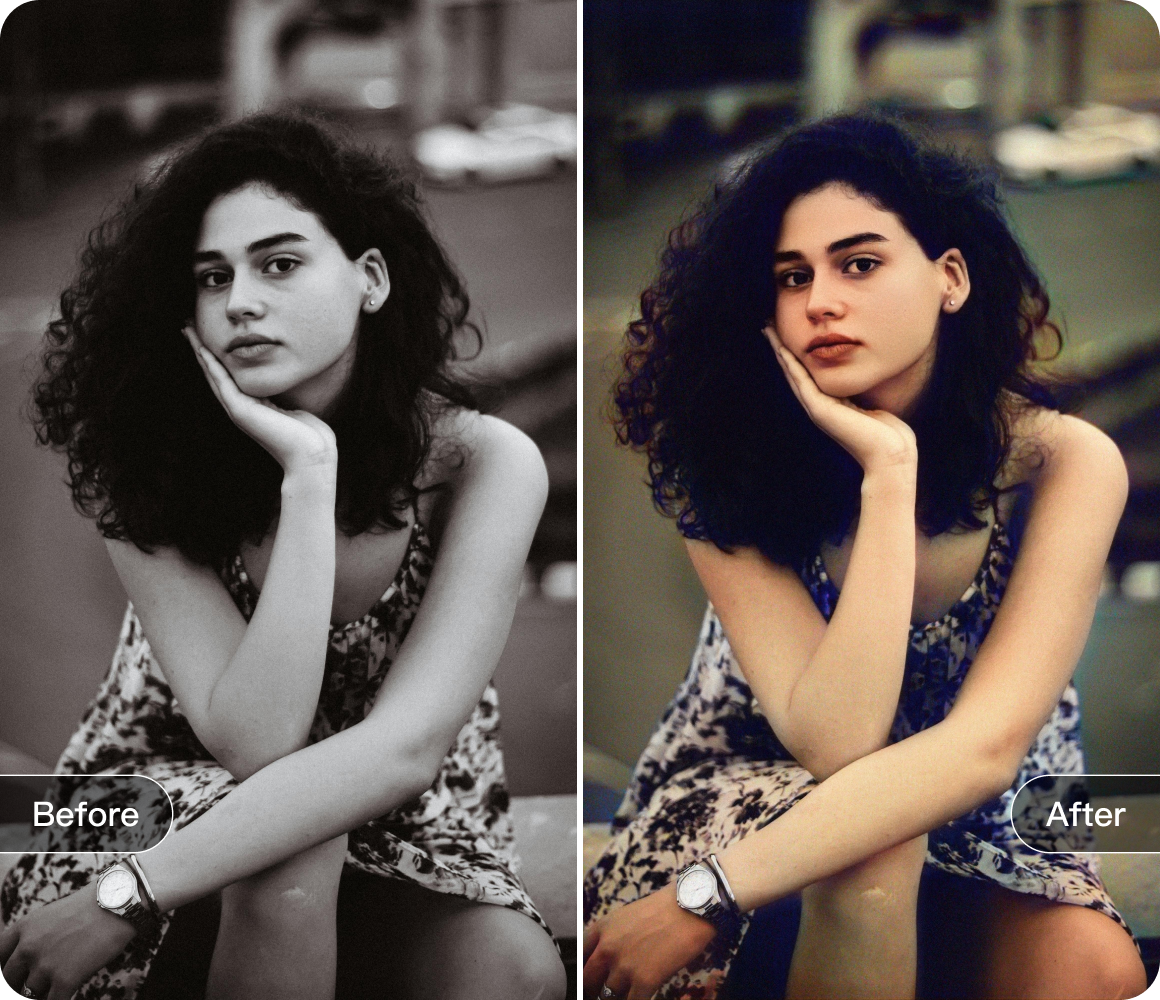


Deep Dive: Practical Tips for Using Photo Retouch's Object Removal
Hey, photo enthusiasts! If you've ever looked at a photo and thought, "Ugh, that thing really ruins the shot," Photo Retouch's Eraser Pen is here to be your photo - saving hero. Let's dig into some seriously cool tips to make the most of this amazing tool.
First off, let's chat about the selection methods. You've got the lasso tool, which is like a digital lasso for wrangling those unwanted elements. It's perfect for tracing around oddly - shaped objects that you want to zap away. Just draw a wiggly line around that annoying lamp post in the corner of your beach photo, and poof! It's on its way out.

Then there's the regular selection tool. When you're dealing with more geometric - shaped nuisances, like a square sign or a rectangular bench, this tool is your best buddy. Click and drag to create a neat box around the object, and you're set.
But wait, there's more! The automatic selection feature is like having a little helper. It can quickly identify and select objects in your photo. It's especially useful when you're in a hurry or dealing with something that has a distinct color or shape. Just hit the automatic selection button, and let the magic happen.
And the text detection and recognition feature? That's pure gold. If you've got some random text in your photo that you don't want, this feature can spot it in a flash. Whether it's an advertisement in the background or a price tag on a product shot, it's easy to get rid of.

Now, let's not forget about the brush size. Think of it as choosing the right - sized weapon for the job. For those tiny, hard - to - reach spots, like a small blemish on someone's face, a teeny - tiny brush is the way to go. It's like using a precision scalpel. But if you're erasing a large object, like a whole car in the background, a big, beefy brush will do the job much faster.
With these tips in your photo - editing arsenal, you'll be using Photo Retouch's Eraser Pen like a pro in no time. So go ahead, take those imperfect photos and turn them into picture - perfect masterpieces!
Download


 Windows
 macOS
macOS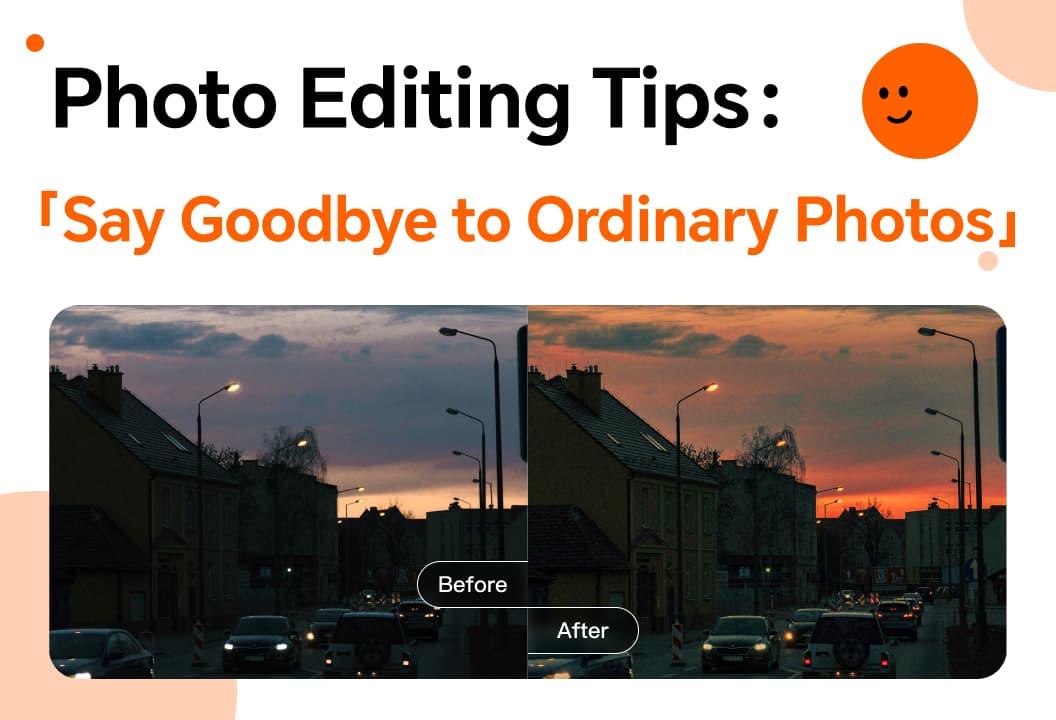
Enhance your photos with color adjustments, smoothing, liquify, stickers, and creative editing techniques.
With Photo Retouch video editing, master filters and other techniques to easily create videos.

Enhance your photos with the vignette function to highlight subjects and reduce distractions creatively.

This article will introduce you to the one-click cutout function.
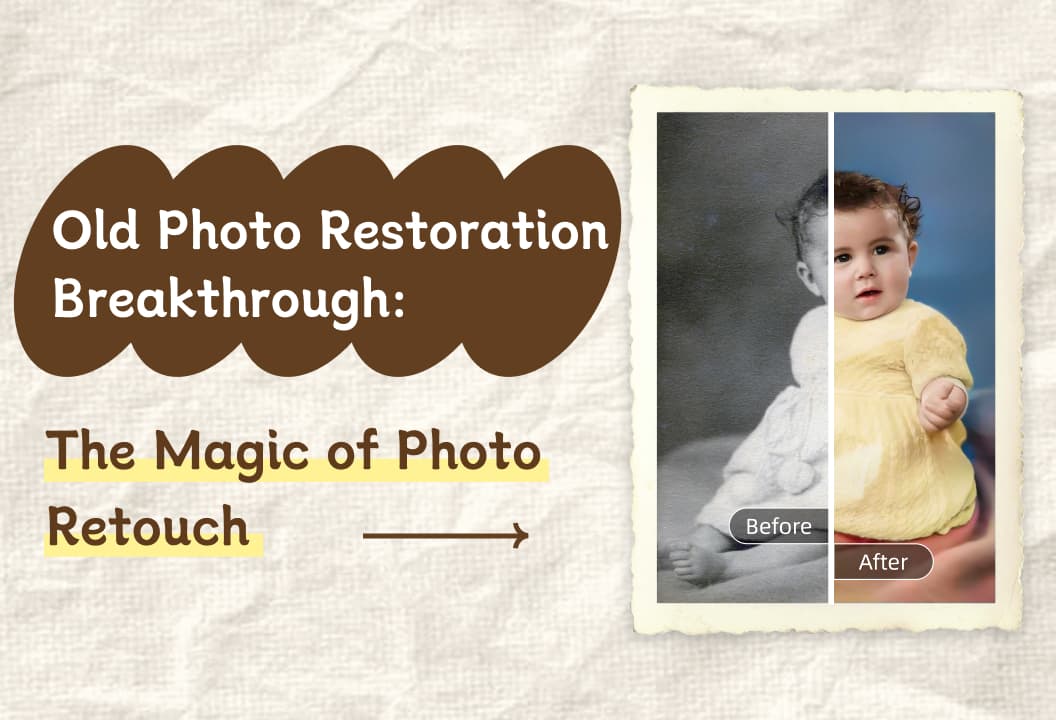
The old photo restoration function can easily restore old photos and awaken ancient memories!

collage feature lets you effortlessly combine, customize, and share photos, creating unique, memorable layouts.

Image Enlargement feature increases photo size without losing detail, enhancing clarity and resolution.
Photo Fix tools offer easy-to-use features for enhancing photos with color adjustments, reshaping, and creative effects.
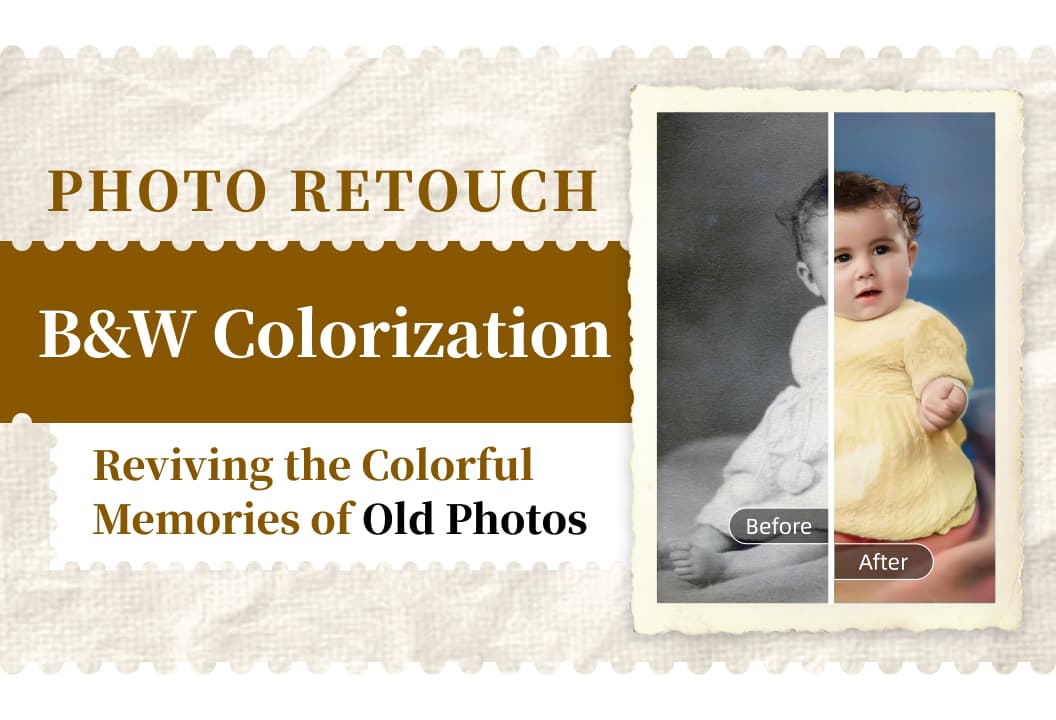
B&W photo coloring feature brings old black-and-white photos to life by adding vibrant colors and emotions.
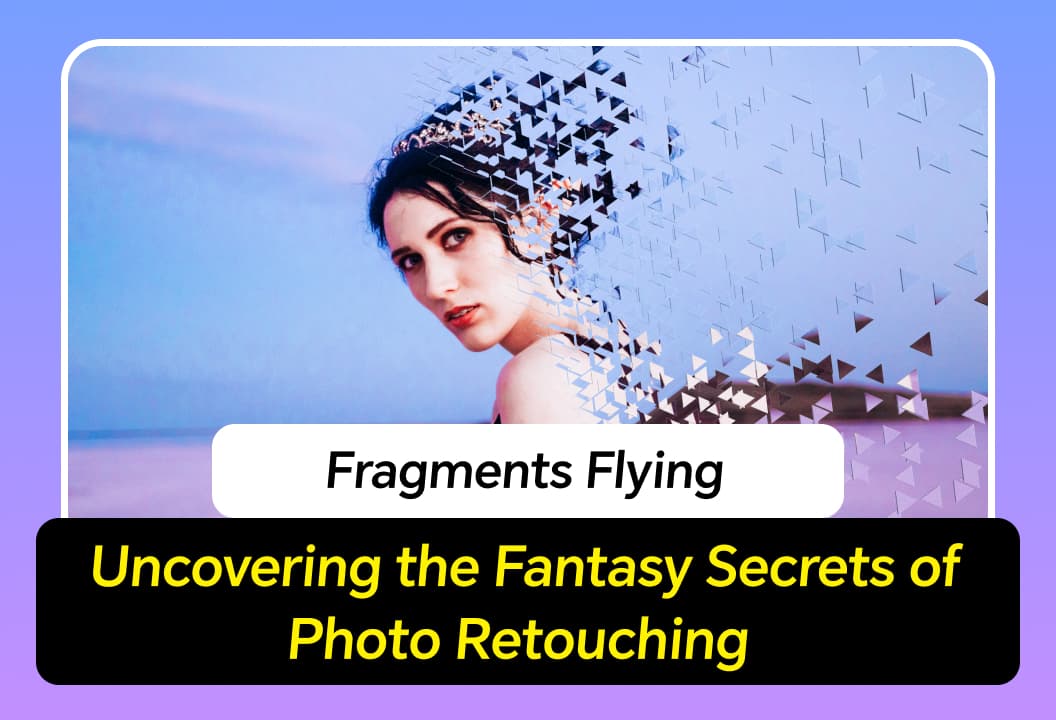
Fragment Scatter feature adds magical, ethereal fragments to your photos, creating dreamlike, artistic effects.
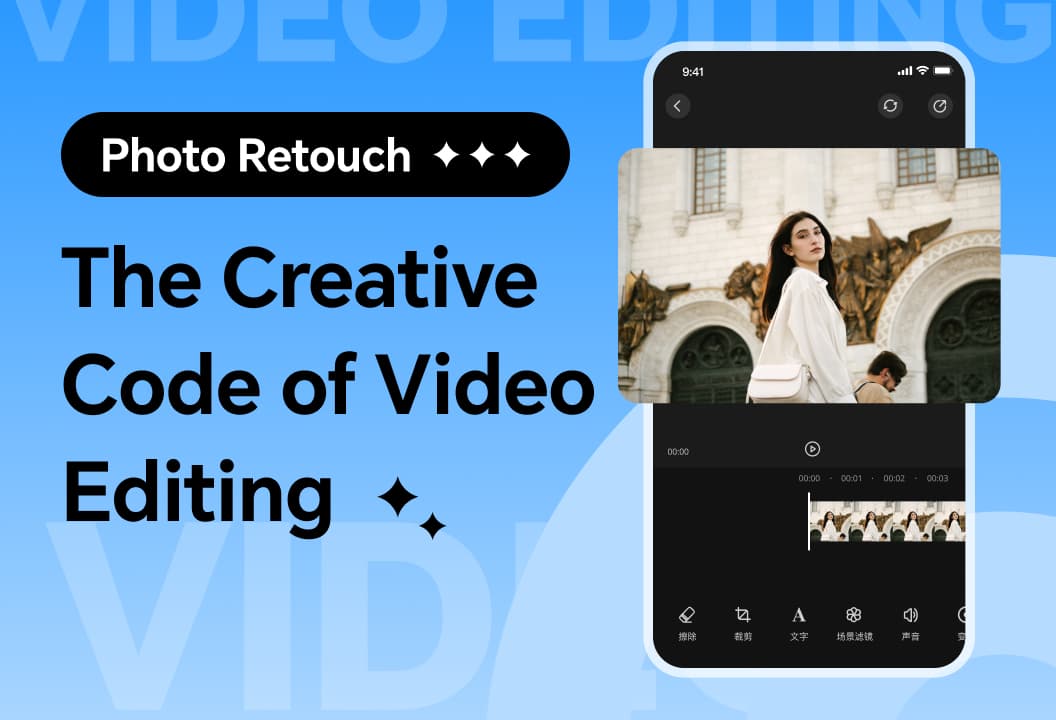
A quick look at video editing for beginners! Multiple functions to help you create eye-catching videos easily.

Video face pixelation lets you blur faces to protect privacy while enhancing your content creatively.

Video Tracking Removal automatically blurs moving objects or faces, ensuring privacy while enhancing content and adding mystery.

Photo Retouch helps restore old photos with simple steps: backup, import, use one-click restoration.
Learn how to create stunning collages with Photo Retouch using layout, proportion, borders, background, and shadow tips.

Enhance your photos with Photo Retouch's lossless enlargement for clearer, high-quality images.

Master Photo Retouch's AI Removal, background replacement, and stroke features for professional image editing.